
Buy anything from 5,000+ international stores. One checkout price. No surprise fees. Join 2M+ shoppers on Desertcart.
Desertcart purchases this item on your behalf and handles shipping, customs, and support to Austria.
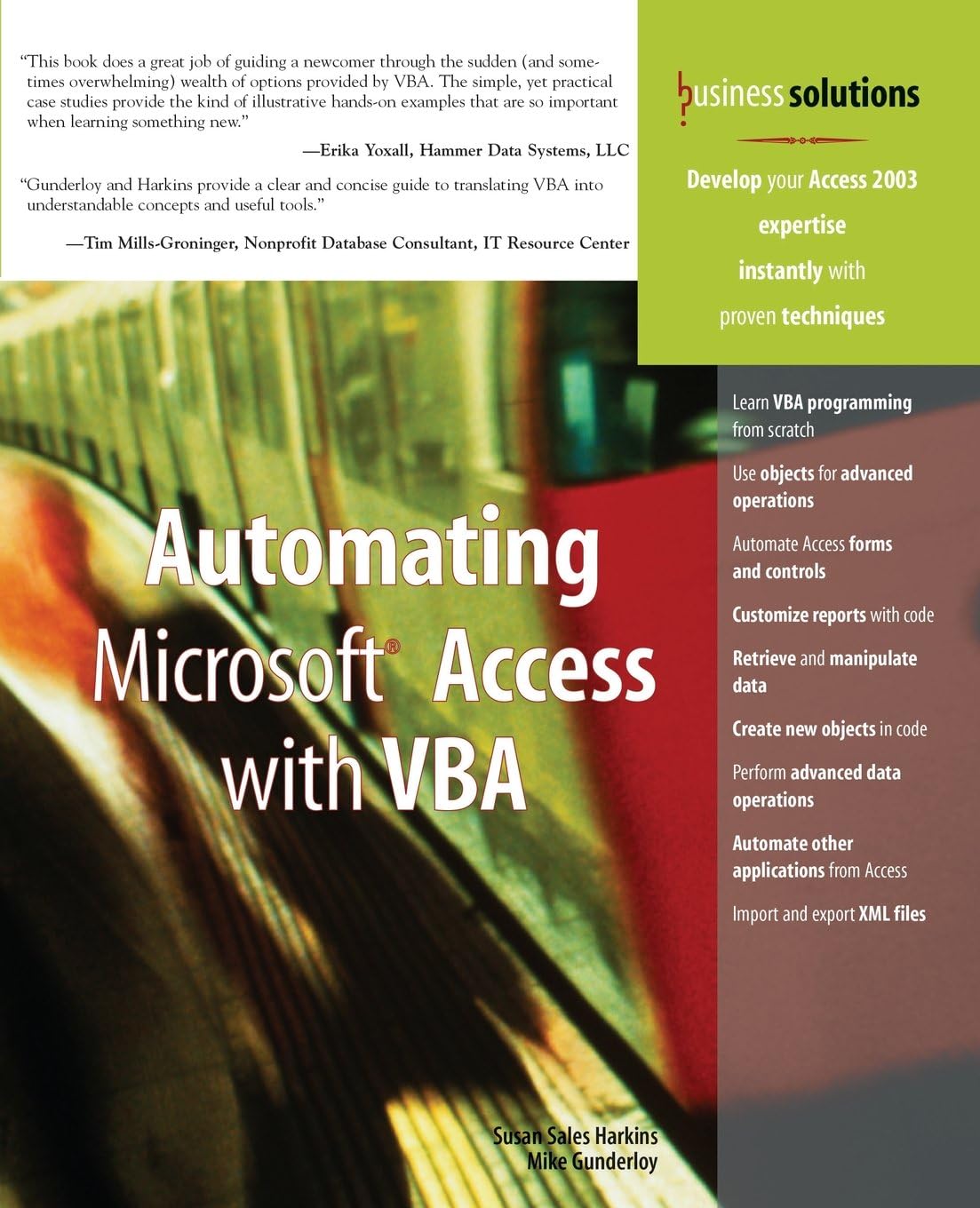
If you use Microsoft Access in your every day business life but haven't learned to fully exploit the program, now's your chance. Automating Microsoft Access with VBA is a thorough introduction to programming Microsoft Accessing using Visual Basic for Applications (VBA). With this book, you will gain a working knowledge of VBA and be able to customize your Microsoft Access databases. You will cover topics that include: Operators and functions Debugging and error handling Menu commands Forms and reports Jet databases DAO object model Save money by learning to use VBA to customize your databases instead of paying someone else to do it for you! Review: Excellent Handbook - This is an wonderful MS Access handbook. It includes practical examples on how to use vba and sql to get the most out of your Access app. You won't get bogged down in unnecessary details and analysis. Review: Great Resource - Great book for providing a comprehensive overview of the value-add of MS Access and some of the practical appliations for which it is used. I would reccomend to anyone that wants to start experimenting with the capabilities of Access.
| Best Sellers Rank | #4,791,864 in Books ( See Top 100 in Books ) #185 in Microsoft Access Database Guides #3,513 in Enterprise Applications #35,191 in Computer Science (Books) |
| Customer Reviews | 3.8 out of 5 stars 20 Reviews |
J**M
Excellent Handbook
This is an wonderful MS Access handbook. It includes practical examples on how to use vba and sql to get the most out of your Access app. You won't get bogged down in unnecessary details and analysis.
D**A
Great Resource
Great book for providing a comprehensive overview of the value-add of MS Access and some of the practical appliations for which it is used. I would reccomend to anyone that wants to start experimenting with the capabilities of Access.
A**R
Five Stars
Perfect!!!
J**I
Information at the Expense of Instruction
As far as I can tell, this text is full of useful programming information for working with Access but I have not used much of it. It presumed more knowledge on my part than I actually have. I was able to read over it and get the basic concepts for a fair amount but the actual ability to use the information has not developed. I got the information at the expense of instruction. The biggest problem is the lack of a disk with the examples. Supposedly, you can get the examples over the web but I most often do this type of stuff on the laptop from motel rooms in out of the way places with no or very limited access to the net. For me, that was an unworkable solution. Even if it had included a disk, I don't think I would have liked this text too much because of the explanations. As I mentioned before, they seem to assume a level of knowledge on my part that I do not yet possess. It almost seemed as if I needed to know how to program in VBA before I could learn to program in VBA. On the plus side, the screen shots are not generous in either quantity or size but they are definitely readable. This far surpasses the norm for most computer instruction books in my experience. Others with more experience may well get more out of this book than I did. I plan on keeping it around in the hope that I may grow into it but, as yet, its usefulness has been minimal.
J**K
A Quick Lesson for the Non-programming Professional
With Microsoft Access you automatically get a lot of capabilities to do forms and reports based on the data to be put into or taken out of the database you create. You also get a macro capability so that a limited amount of manipulation of this data can be done automatically. Used less frequently but which is far more powerful is the programming language Visual Basic for Applications or VBA. Built into each copy of Access for several versions VBA is there and available for use whenever needed. All that's needed is the skill to write the programs. This is a relatively small book for one on computer software, it's hardly 400 pages. The intent of the book is to get you up and running in a short period of time. It's aimed at the computer professional who use Microsoft Access in a business setting. You are not expected to be a programmer, but by the end of the book you'll be able to program using VBA and to do so quickly. When you know VBA for Access, you'll also be well on your way to knowing VBA for the rest of the Microsoft office suite. The various forms of VBA do have some changes that relate to the underlying structure of the application. But the basic structure of the language itself is the same. There's only one thing I'd like to see added in the next revision of the book, that is a list of the reserved words used by the Access database. Not knowing these has gotten me in trouble a couple of times.
J**L
No sample database by which to test the code samples in the book
The TimeTrack.mdb database that the authors reference throughout this book is not available from the Safari publishing company website. A disk did not come with the book, either. Good luck testing out the code samples. Perhaps, at best, you can cobble it together using another sample databse. If anyone knows where to get the sample database for this book, please let me know! I e-mailed the publisher but did not receive a response. Thanks!
D**.
Four Stars
Llegó en perfectas condicciones.
J**.
My Favorite VBA Book So Far
This book has become my favorite VBA reference book so far. It's great for those with an intermediate knowledge of Access and little-to-no knowledge of VBA. It includes practical examples of how to use the code provided in each lesson and concise explanations of why/how the code works. The sections on SQL Structure and Syntax and If/For...Else Statements are very informative, and easy to understand. I've also bought the "Forms, Reports and Queries" book of this series, and would highly recommend them both.
J**C
Arrived on time and in fantastic condition
No complaints from me! Bargain.
P**L
Great Book
Excellent
Trustpilot
4 days ago
5 days ago