Desertcart purchases this item on your behalf and handles shipping, customs, and support to Austria.
⚡ Power your network setup with plug-and-play precision!
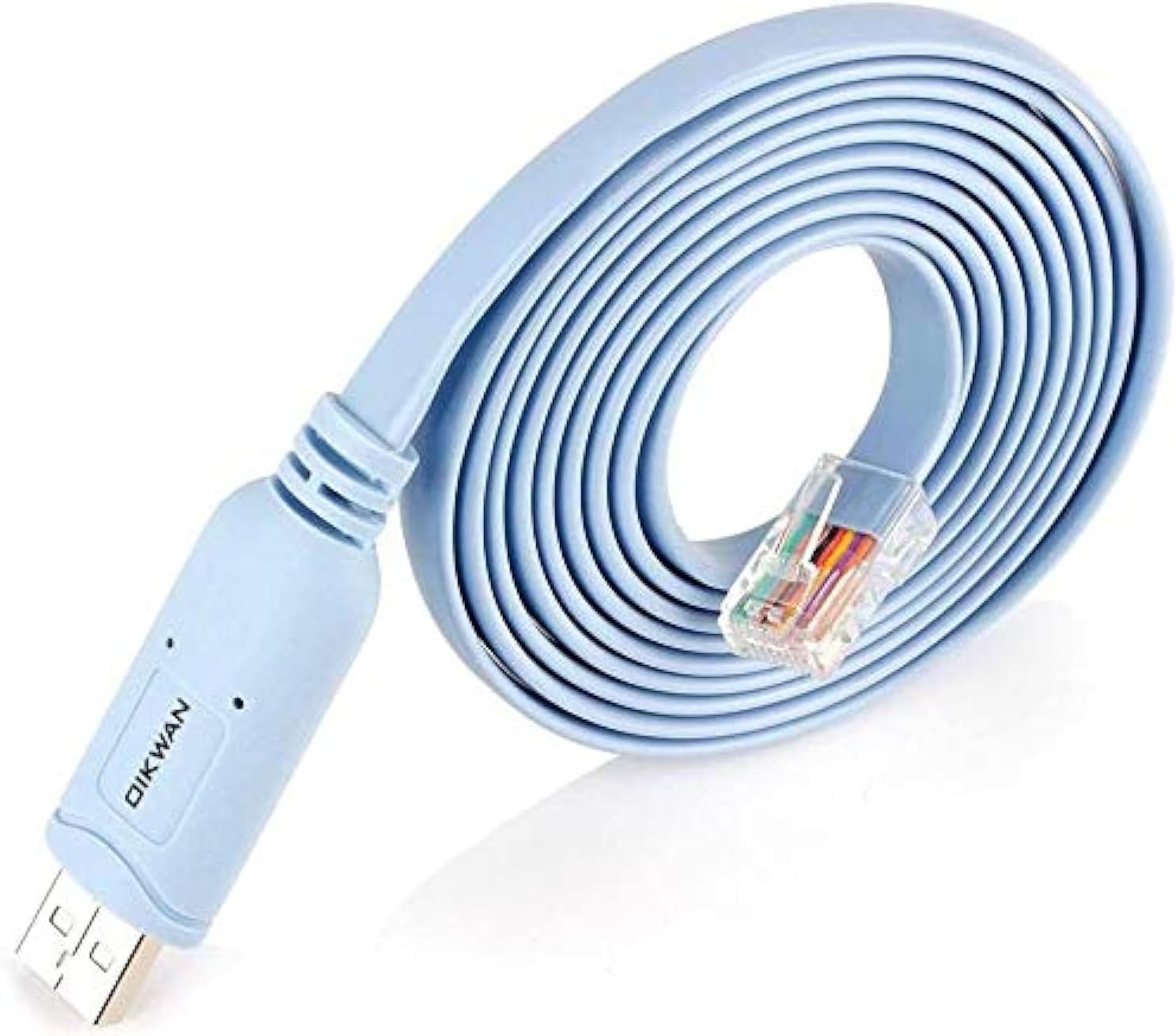
The OIKWAN Console Cable USB to RJ45 is a 10ft professional-grade console cable designed for direct USB connection to Cisco routers, switches, and other serial devices. Featuring the industry-leading FTDI232RL chipset, it ensures stable 500 Kbps data transfer with native OS driver support across Windows, Linux, and Mac. Perfect for IT managers and network pros seeking hassle-free, adapter-free console access with fast charging capability and a durable build.


| ASIN | B082TKJ3SC |
| Best Sellers Rank | #243 in USB Cables |
| Brand | OIKWAN |
| Brand Name | OIKWAN |
| Cable Type | console cable |
| Color | Blue |
| Compatible Devices | Laptop, PC, Router, switches |
| Connector Gender | Male-to-Male |
| Connector Type | Usb to Rj45 |
| Customer Package Type | Standard Packaging |
| Customer Reviews | 4.7 out of 5 stars 5,038 Reviews |
| Data Transfer Rate | 500 Kbps |
| Gauge | 0.99 |
| Indoor Outdoor Usage | Indoor, Outdoor |
| Item Shape | Round |
| Item Weight | 70 Grams |
| Manufacturer | OIKWAN |
| Maximum Voltage | 5 Volts (DC) |
| Model | AQ-1912 |
| Model Name | AQ-1912 |
| Number of Items | 1 |
| Number of Pins | 8 |
| Other Special Features of the Product | Fast Charging |
| Part Number | AQ-1912 |
| Recommended Uses For Product | Connect the USB end of the cable to a USB port on your computer or laptop., Connect the other end of the cable (typically a DB9 or RJ45 connector) to the console port of the networking device., Ensure that the USB to console cable is compatible with both your computer's USB port and the console port of the networking device., Install any necessary drivers for the USB to console cable on your computer, if required., Use terminal emulation software, such as PuTTY or Tera Term, to establish a connection to the networking device through the USB to console cable. Recommended Uses For Product Connect the USB end of the cable to a USB port on your computer or laptop., Connect the other end of the cable (typically a DB9 or RJ45 connector) to the console port of the networking device., Ensure that the USB to console cable is compatible with both your computer's USB port and the console port of the networking device., Install any necessary drivers for the USB to console cable on your computer, if required., Use terminal emulation software, such as PuTTY or Tera Term, to establish a connection to the networking device through the USB to console cable. See more |
| Special Feature | Fast Charging |
| UPC | 788351027890 |
| Unit Count | 1 Count |
| Warranty Description | 2years |
Trustpilot
1 week ago
3 days ago