Desertcart purchases this item on your behalf and handles shipping, customs, and support to Austria.
๐ Store More. Move Faster. Stress Less.
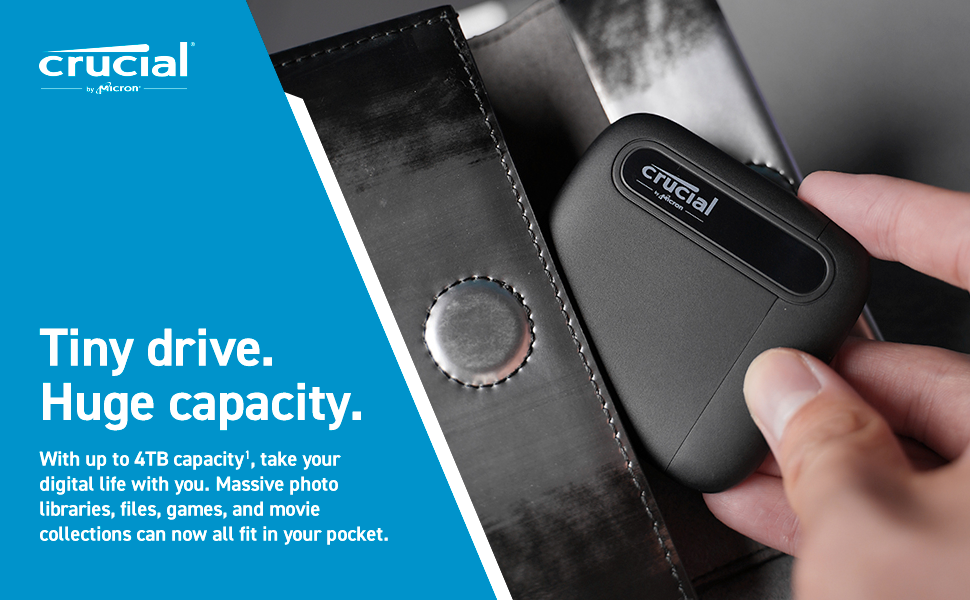
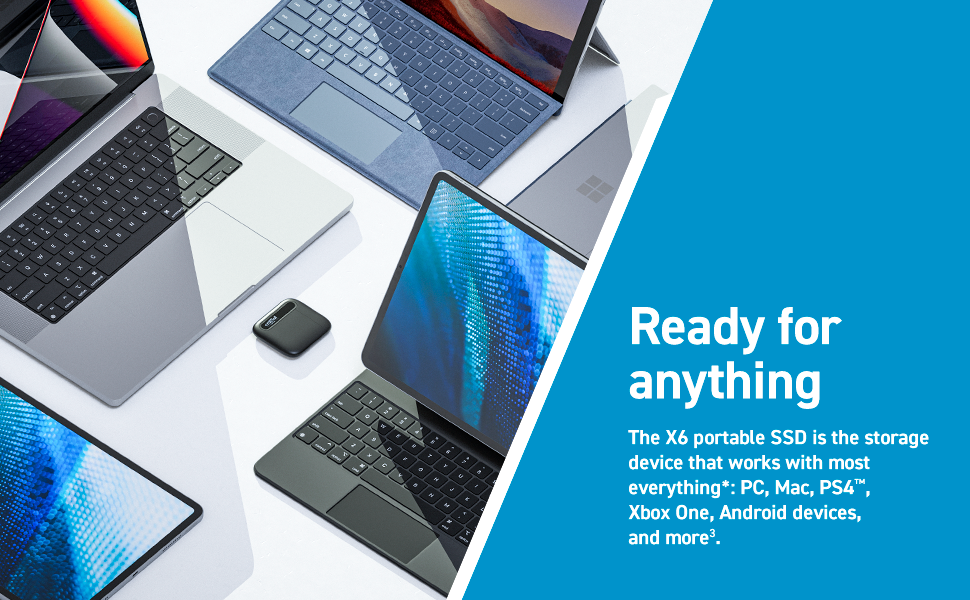
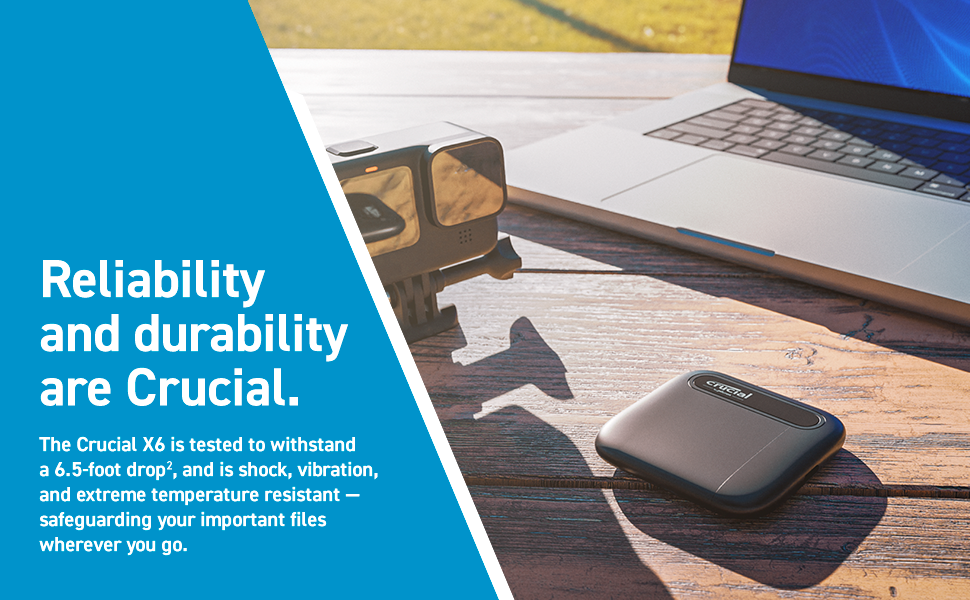
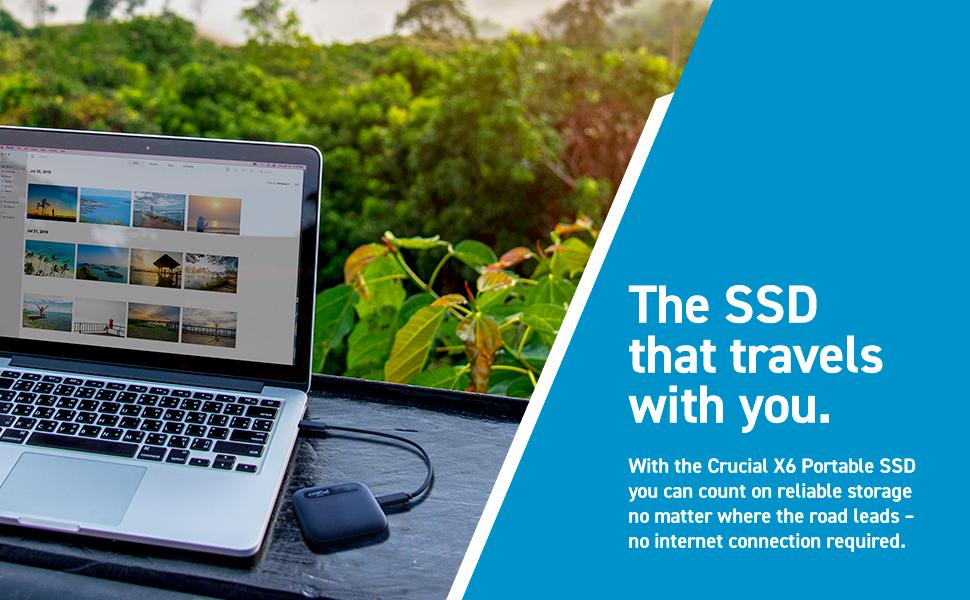
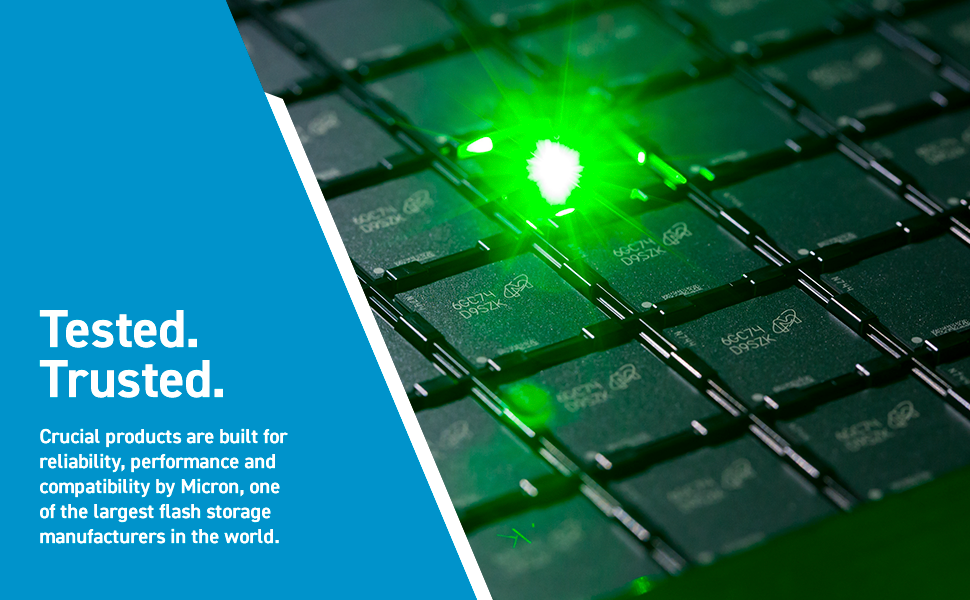
The Crucial X6 4TB Portable SSD delivers massive, ultra-fast storage in a sleek, lightweight design. With up to 800MB/s read speeds and broad device compatibility, itโs engineered for professionals who demand speed, capacity, and durability on the go. Drop-proof and backed by Micronโs trusted technology, itโs your digital lifeโs ultimate safeguard.


| ASIN | B08W1KDM9K |
| Additional Features | Portable |
| Best Sellers Rank | #153 in External Solid State Drives |
| Brand | Crucial |
| Built-In Media | Crucial X6 Portable SSD, Quick Start Guide, USB 3.2 Gen 2 to Type-C USB cable (10Gb/s) |
| Cache Memory Installed Size | 4 |
| Color | Black |
| Compatible Devices | Desktop, Gaming Console, Laptop |
| Compatible Video Game Console Models | Microsoft Xbox One, Sony PlayStation 4 |
| Connectivity Technology | USB |
| Customer Package Type | Deposit Crate |
| Customer Reviews | 4.5 out of 5 stars 3,978 Reviews |
| Data Transfer Rate | 800 megabits_per_second |
| Digital Storage Capacity | 4000 GB |
| Enclosure Material | NAND flash memory |
| Form Factor | Portable |
| Global Trade Identification Number | 00649528905765 |
| Hard Disk Description | Solid State Drive |
| Hard Disk Form Factor | 2.5 inches |
| Hard Disk Interface | USB 3.2 |
| Hard Disk Rotational Speed | 7200 |
| Hard-Drive Size | 4 TB |
| Hardware Connectivity | USB 3.2 Gen 2 |
| Hardware Platform | Mac, PC |
| Installation Type | Plug In |
| Item Dimensions L x W x Thickness | 2.72"L x 2.52"W x 0.43"Th |
| Item Weight | 40.5 g |
| Manufacturer | Crucial |
| Media Speed | 800 MB/s |
| Mfr Part Number | CT4000X6SSD9 |
| Model Name | Crucial X6 |
| Model Number | CT4000X6SSD9 |
| Number of Items | 1 |
| Read Speed | 800 megabytes_per_second |
| Special Feature | Portable |
| Specific Uses For Product | Multimedia |
| UPC | 649528905765 |
| Unit Count | 1 count |
D**N
Blazing Fast and Ultra-Portable: My Review of the Crucial X6 4TB Portable SSD HDs
I purchased two Crucial X6 4TB Portable SSD HDs back in December of 2022 and I couldn't be more pleased with their performance. As someone who travels around the world for work, I rely on these drives to store all my important files and media. One drive is dedicated to my work files, while the other is for my entertainment needs, holding hundreds of TV series and movies that I can easily access from my MacBook or iPad thanks to the USB C connection and the high speed at which these drives run. One of the things I love about these drives is their durability. With no moving parts, I feel extremely confident that they will last a long time. I personally purchased the L LTGEM EVA Hard Storage Case for these drives, and they fit perfectly, with two drives per case. I've dropped and knocked these drives a few times, but they still work perfectly. In fact, I'm so impressed with these drives that I'm about to purchase four more to backup all my family photos, videos, and special files, which I will keep locked away in my fireproof safe. That's how confident I am in their quality. Overall, I highly recommend the Crucial X6 4TB Portable SSD HDs. Their size is amazing, and the speed is blazing fast, making them perfect for video editing. And speaking of size, I love that I can put one of these 4TB drives in my shirt pocket when I'm in the office and take it from conference room to conference room without even noticing the weight. In conclusion, these drives are amazing, and I can't recommend them enough.
M**L
Very portable large amount of storage for a great price
Love how small this is. Works great and so far has performed incredibly well for us. Plug and Play makes installation a breeze. Being from a brand like Crucial, I have no worries of data loss or corruption. I have used without issue for months now and would highly recommend to others as an IT professional.
F**L
Tiny, amazing storage size
This 4tb external SSD was about 60% more expensive than comparable external HDs, but it offers a free really key advantages. It's very tiny. I looked at the pictures, but I still didn't get just how tiny it actually is. I love that it takes up virtually no space and can be easily transported in a pocket. You could put it in that little pocket in your jeans. It doesn't need a separate power cord. This is actually my favorite feature. One less cord on my desk it always a great deal. It's much faster than an external HD. I'm connecting to an older iMac, which only has USB 2, but if I ever connect it to my laptop I'll be able to take advantage of USB-C speeds. Compared to an HD, it also doesn't have to spin up, which takes my previous western digital HD up to v 10 seconds, so I'm still seeing a nice speed boost. There are bigger, faster SSDs, but I will take the small speed hit for the size advantage. I did not have to format for Mac, as some reviewers said. Mine came in exfat, which is compatible between both. SSDs are much more reliable than HDs, in both longevity and shock resistance. This SSD is small enough to easily transport, which means you have to consider dropping it (or stopping whatever bag it's in). SSDs withstand about 50x more shock than HDs (~1500g vs ~30g). It's quieter and uses less power than an HD.
W**S
Fantastic storage and never had a problem with it...
I've had a lot of various type of storage devices, but the "Crucial 4TB" is one of the best I have had so far. I already own 5 of these and I have not had a problem since I started using them. These devices are very solid and I have not had a problem with stability nor storage. They are super light weight and very easy to fit in any compartment of a backpack, case, or other form of carry-on. I been able to store music, videos, and zip/rar files without a problem. Reading and writing files back-and-forth have not been an issue at all, especially if you use it to store videos and music, and you want to hear and play back video/audio files directly from the storage device. There's no worry about stability, I have been using these devices for over 2 years now and have never had one give me read issues. (Although I do constantly do defrags and checks regularly so that usually helps) There are a few concerns you will need to know when you order these... 1.) Although read/write are very stable, I have never had one that reads faster than 50+ Mb/s 2.) This device is not ideal for copying tons of 5Kb-100Kb files, it's very slow to write when it comes to several thousand image or text files (Or similar files of similar size), I was copying over several image files I have stored and it took hours to copy over. Large size (500 Mb - 30 Gb) files copy over quickly and easily, but several small size files (5Kb or less to 100Kb) took forever. Keep this in mind if you need to move tons of image or text files or several thousand other small-size files 3.) It's best to also order extra USB-C codes as the cord that comes with the device is only about 3 inches long. Plus, both ends of the cord are USB-C. So unless you have a USB-C reader, you might wanted to order some extra codes for it. You can usually get a pack of 3 for about $5-$10. 4.) When it comes to listening to music or watching a movie, I have never had a problem with either file types when it comes to reading the files. However, do not watch a movie or listen to music while files are being transferred as it will interfere with the read/write speeds. Plus, doing so will interfere with the video and audio files and will cause your video and audio files to skip or momentarily stop playing as files are being transferred. Other than what is mentioned, I have not had a real serious issues with the storage devices. Keep doing defrags every so often and they will always work great.
R**O
Crucial X6 SSD using a USB port is approximately 3X to 4X faster than each of my non-SSDs.
Pros: Much faster than each of the non-SSD external drives that I have connected to my desktop computer's USB 3.0 ports. Cons: The cable length is too short (at 9 inches connected with only the C-type connector, or 10.5 inches when the C-type connector is connected to a USB-A type adapter). Comparison tests that I ran: My computer (in case this matters) is a Windows 10 with an Intel i7-4790K CPU. In side-by-side comparisons of the ''copy'' files function, testing the same set of 5 different file folders, copied to a Crucial X6 SSD and also copied to a Seagate Portable HDD and a Western Digital WD Elements WESD Portable HDD, with all 3 external drives connected to three different USB 3.0 ports, the Crucial X6 SSD was faster, ranging from roughly 2X faster to 7X faster than this Seagate HDD and Western Digital HDD. Overall, in a set of 5 tests, the Crucial X6 averaged approximately 3X to 4X faster versus each of these two HDDs. The copy speeds (of this Crucial) ranged from a low of ~ 10 MBps to 400 MBps. Large files (such as video >= 1 GB files) copied much faster than small files (such as small low resolution photos < 1 MB file size). Caveat: My review does NOT cover longevity or reliability of this product (Crucial X6 SSD) because I have only used it for 12 days.
H**R
Plesantly Surprised
I am new to the Crucial line, but having seen that there was a daily deal on this SSD, I decided to purchase it. So far, I have no complaints. It is light, small. Now for those of you concerned for the transfer speed, all I can say is that this is pretty fast. I am not paying attention to if the transfer speeds are according to what is documented in the listing. I conducted my own test against a non-SSD device, and it clearly was faster. For an average Joe, this should suffice to know that this is clearly faster. What's in the box? A USB-C to USB-C cable which is about 10 inches long, and the SSD itself. For those who are constantly on the go or space conscience, this SSD is a great option. Price wise, it is a very affordable when you compare it to other brands that could be charging more for the same amount of storage.
H**R
Don't spend your money
I bought this 4TB Crucial solid state drive to replace a 4TB Seagate spinning hard drive. I was happy to see a Black Friday price of just $150, and that was an insta-purchase for me. Small, fast, capacious, and pretty cheap! Well, it's cheap for a reason: it dramatically slows down write speeds if transferring 10GB or more at a time. When I got the drive, I ran a Blackmagic Disk Speed Test on the drive: 1425 MB/s write, 727 MB/s read. That's pretty solid! I transferred all the content from my 4TB Seagate to my new Crucial drive. It took about 6 hours for 2.5TB of data to transfer. Once it was done, I moved about 20GB of data from another drive, and that's when I noticed it was really slow all of a sudden. After the transfer finished, I ran Blackmagic again, and with a 5GB test, the drive had write speeds of about 700 MB/s for the first two tests, but by the third, it was down to 50 MB/s, I tested my 4TB Seagate spinning hard drive, and it was 150 MB/s after three 5GB tests. My spinning hard drive was 3x faster writing data than my solid state drive! I thought maybe the computer might be indexing the Crucial drive, so I let it sit for three days. Same issue when I tested again. So I thought maybe macOS doesn't like exFat, and I erased the drive, formatted as APFS, and transferred the 2.5TB again. It's been about 24 hours since the transfer finished, and the Crucial drive still slows to just 50 MB/s write speed after 10GB of transferred data. I'm inclined to think this is just how Crucial made this drive, as it is super repeatable, with various formats, and various tests (I also tried 3GB and 1GB tests - once it gets to about 10GBs of transferred data, it slows to about 50 MB/s.) I only have one other external SSD, a Samsung T7. Running the same test, it consistently has write speeds of 400 MB/s after 10GB of transferred data. I don't know why the Crucial drive is so slow for large transfers. I was so happy when I got it and ran the first test, and got 1400 MB/s write speeds. And honestly, I'd be happy if it could sustain 400 MB/s write speeds. But being 1/3 the speed of a spinning hard drive? That's just embarrassing, and unacceptable. This drive is getting returned, and I'm going to stick with Samsung.
D**M
Iโve now purchased 4 of theseโby far the best bang for your buck
If youโre worried these wonโt perform like more expensive brandsโฆdonโt be. I tested the file transfer speeds on my 4TB crucial vs a Sandisk SSD drive I have and Crucial was just as quick. Iโm a photographer and typically have a half dozen professional cameras on me when I travel. These are cameras that produce huge files and fill up memory cards FAST. When Iโm on the road, I need to be able to dump my memory cards from time to time, and the last thing I want to do is wait an hour or two transferring 360 gb onto an standard external HD. These Crucial drives are a godsend. Theyโre by far the most affordable and Iโve never had a problem with any of the four drives. It reduces the wait time to a matter of minutes. I originally intended to own just one of these and use it as an intermediary drive (dump camera memory card onto SSD so I can get back to filming and then dump SSD onto large standard external HD). But with the price and because theyโre so fast, Iโve ended up buying these as long term storage. I can preview massive 40 gb video files right off the Crucial drive. Anyway, I hope Amazon notes I actually bought these and am a real reviewer. DO NOT waste your money on name brand drivesโI promise you these are just as good!
K**O
Excellent
Excellent form factor, read/write speed is good, DiskMark seq read = 740 MB/S, seq write=790 MB/S
M**M
good
good
R**I
Works Perfectly
Used as backup disk
S**A
Compact and great read and write speed
Reviewing it after 4 years and its so good
R**Z
Just Amazing - It did give me some issues at the beginning though
This drive is just amazing. So tiny, but packs 4Terabytes. I did have weird behavior at the beginning though. I got it to replace my previous 2Tb disk drive, because it was almost full, so my first action was copying the large amount of files. To my surprise the speed was like 40-120kb/s which is very very slow. I assumed that it was because of they were a lot of very tiny files. After it went through the folders with the small files, it went quicker at around 100mb/s which was probably limited by my old external drive, but then settled for 30-60 mb/s. Eventually it finished copying everything, but when i tried to run programs from it or access big files on it, or copy things to it, it just felt sluggish and not very well responsive. So i decided to reformat the drive as a last resort before sending it back, this time with NTFS instead of ExFat that it came on. When that finished, the drive worked much better, copied everything again a lot faster (still limited by my old drive) and now the programs running from it work perfectly, faster than ever. Also copying things from pc to the crucial is now at over 300mb/s with a normal usb 3.0 port. I don't know if this was just a "me" problem, but I'm very happy everything worked out at the end. Can only recommend the drive. Cons: its so tiny, i hope i don't lose it :D.
Trustpilot
2 months ago
2 weeks ago