Desertcart purchases this item on your behalf and handles shipping, customs, and support to Austria.
๐ฏ Level up your retro game with precision and style!
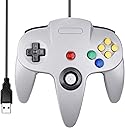
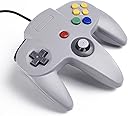
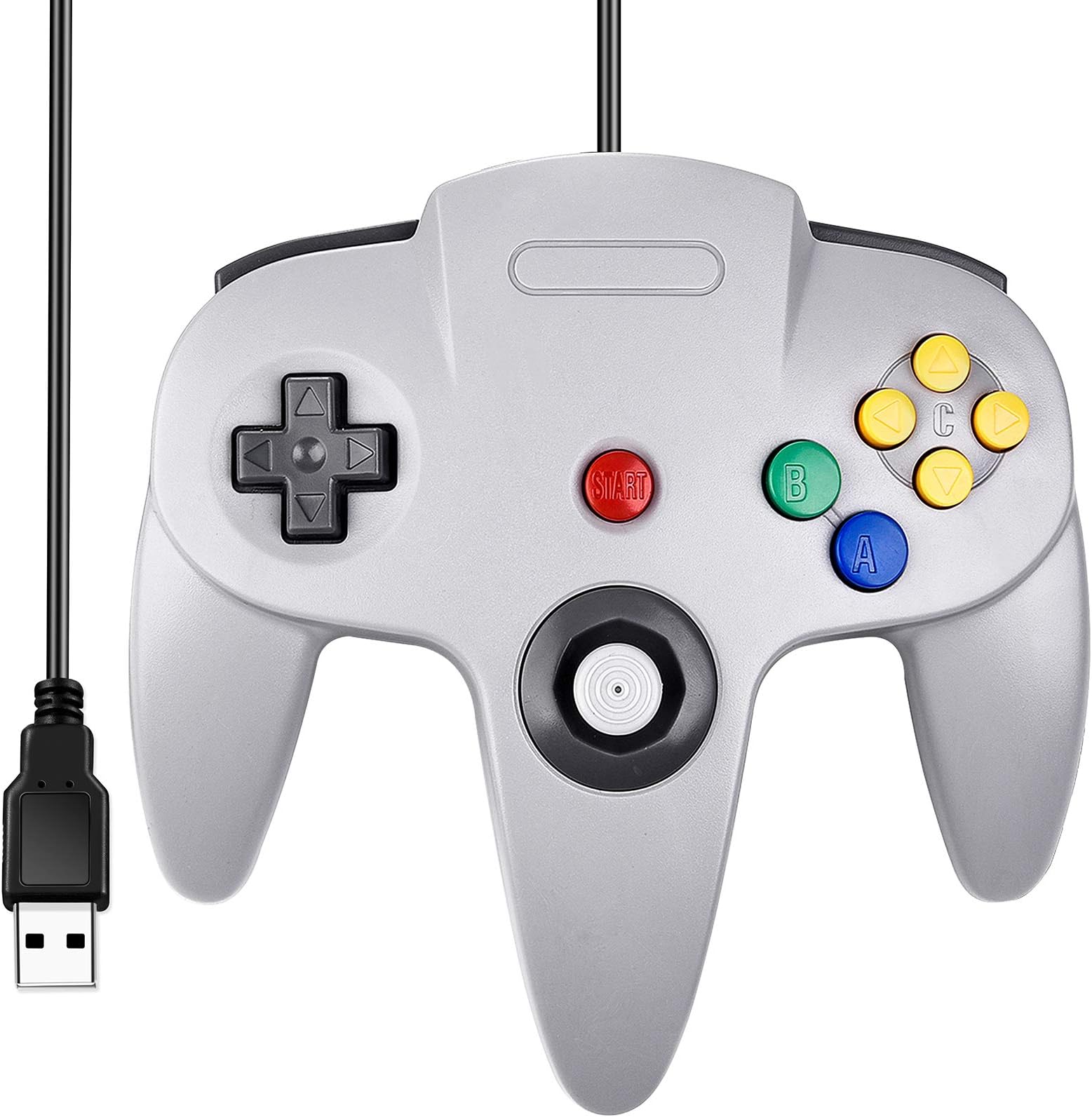
The Classic N64 Wired USB Controller revives the iconic M-shaped design with 10 action buttons, a high-sensitivity 3D analog stick, and an 8-way D-pad. Compatible with Windows, macOS, Linux, and Raspberry Pi, it offers plug-and-play convenience and a 6-foot cable for comfortable, precise gameplay on popular emulators like Project 64 and OpenEmu.


| ASIN | B07449HLKJ |
| Additional Features | Ergonomic |
| Brand | SAFFUN |
| Brand Name | SAFFUN |
| Button Quantity | 14 |
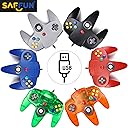
| Color | Wired Gray |
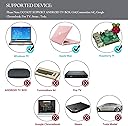
| Compatible Devices | Laptop, Raspberry Pi, Windows PC, macOS |
| Compatible Video Game Console Models | Nintendo 64, Sony PlayStation 4 |
| Connectivity Technology | Play,Plug,Usb,Usb Port |
| Controller Type | Gamepad |
| Customer Reviews | 4.1 out of 5 stars 1,816 Reviews |
| Global Trade Identification Number | 00885926455697 |
| Hardware Platform | Laptop, Raspberry Pi, Windows PC, macOS |
| Included Components | 1 |
| Item Dimensions | 6.5 x 4.3 x 2 inches |
| Item Weight | 7.2 ounces |
| Manufacturer | SAFFUN |
| Manufacturer Part Number | Y-D002-121 |
| Model Number | 8541667118 |
| Package Quantity | 1 |
| Power Source | Corded Electric |
| Special Feature | Ergonomic |
| UPC | 885926455697 |
| Warranty Description | 1 |
W**S
Great value, easy to use
Feels authentic, though a little lighter and the buttons are significantly more rigid and "hard plastic-y" feeling. You'll know what I mean if you compare this to an original N64 controller. That said, for 15 bucks, this is great value. It feels just like playing N64 on a high quality but still noticeably third party controller. You know the one, its what your mom bought you from KMart, meaning well. It's what you'd make your little brother use and he would blame the controller when he lost at Smash but after trading controllers you still won. That controller. We all had one back in the day. For people having issues getting this to work, here's my experience with Project64 on latest Win10 build - I first plugged it in using a non-active USB extension cable, the PC saw the controller but I don't think the connection was the greatest. Project64 did not see the controller, guessing the controller didn't like the extension (USB connections greater than 15 feet on non-active cables are pretty unreliable). Plugged it directly in to the PC, everything works great. After the initial driver install which Windows did on its own, no input from me required, I put it back on the extension cable and it worked fine. Plug and play with Project64 is a pretty accurate though I did still have to go into the controller config and map all the buttons, but after that everything worked great. Recommend using an active USB extension if you need one. BlueRigger sells some quality active USB extension cables.
M**D
Works well.
Plug and play on windows, but I had to add the drivers on Linux via Terminal. Just use chatgpt or brave browser ai to figure it out. Well made, responsive, and works with n64 emulators. Good price, worth it.
W**Y
Not Bad For The Price
It's not awful. It feels like and fragile, but it gets the job done. I'm not sure as to why they included the save pack slot. It doesn't do anything. There's literally no chip in it for a save pack. The sensitivity is really good. My first game with it was Star Wars Pod Racer 64, and it was extremely responsive. The cord length could be better, but my PC is on my desk, so it's not bad. I like that they sent an extra joy con. I'm not sure if I should be worried about one not being enough, but who knows? I was able to get Project 64 to recognize the controller almost immediately, and all of the buttons worked well. Over-all, you get what you paid for. It's an inexpensive way to enjoy old games on your PC. It would be interesting if the manufacturer included a rumble function. That might add some weight to the controller to make it feel a bit more robust.
M**Y
C buttons are mixed up, games barely playable, otherwise nice controller
Update: I found the controller configuration file for RetroArch (using the mupen64 plus core (emulator)). The button values for the c buttons did have a mixup. I used Windows USB controller setup to find which c button mapped to which value. Windows shows values 1-13, but the configuration file starts with 0, so just subtract 1 from what Windows shows you to get the value you should put into the configuration file. Here's my update. The old settings are commented out with the # sign at the front: input_r_x_plus_btn = "8" input_r_x_minus_btn = "3" input_r_y_plus_btn = "0" input_r_y_minus_btn = "9" #input_r_x_plus_btn = "9" #input_r_x_minus_btn = "3" #input_r_y_plus_btn = "0" #input_r_y_minus_btn = "8" The file I changed was path\to\install_directory\RetroArch_N64_Emulator\RetroArch\autoconfig\xinput\Retro-Bit Tribute64 - USB (D-Input).cfg This was difficult to figure out, but I also haven't tried it on any other emulator. It's probably a software problem, not a hardware problem. I hope this helps other people who run into this situation. Old review: The left/down c buttons or the right/up c buttons are mixed, depending on how you have it configured. For example, if I have the default configuration: C Right: C buttons X+ C Left: C buttons X- C Down: C buttons Y+ C Up: C buttons Y- Then C left and C down are correct. But C Up acts as C Right and vice versa. If I switch the axes (C right/left on the Y axis, C down/up on the X axis) the problem is reversed: C up/right are correct, but C down acts as C left and vice versa. So, games are playable, but very confusing. Can I have a replacement controller? The positives: The joystick feels very nice, very much like a real nintendo 64 controller. The other buttons are nice and responsive. It was easy to configure. No complaints beyond the c buttons being mixed up. I would give this controller 5 stars without that problem.
F**Y
It'll do, but it's not great. (UPDATE)
UPDATE: Shoulder buttons have failed completely. They dont register commands at all no matter what i do. Very light, very cheap feeling. It does work decently. The only 2 problems are that the shoulder buttons aren't well made. Sometimes they dont register commands as they should. The analog is also not fantastic feeling. Ultra light and the feedback is hit or miss on platformers and shooters.
S**E
Decent N64 controller layout for retro gaming
The layout and feel are very close to the original N64 controller and it works reliably as a USB plug-and-play gamepad. Compatible with Windows, Mac, and Raspberry Pi as described without needing any drivers installed. Good for emulators and retro gaming setups. Build quality is solid for the price, but the joystick does not feel the same as the original. It is hard to go not in one of the "8 directions"
J**E
Feels Authentic. Works Great With Emulators
I had my doubts about this controller. The N64 didn't have a true analog stick (it was digital with A TON of inputs programmed in) and aftermarket controllers tend to be pretty wonky. I'm happy to report that this was not the case with this controller. The stick works great, the buttons are solid and it generally feels like the old N64 controller. Sure, it's not 1:1 with the original (the buttons feel ever so slightly different and the weight is different) but it's something only the most hardcore purists out there will be bothered by. The N64 had an admittedly awkward controller, but the games that were designed to take advantage of it still seem to play best with it. Definitely recommended!
C**G
My opinion.
So when ordering this I read all of the reviews and saw the negative and positive things. For the money it works. It is not too shabby. But I can see the issue of the joystick being fragile, not weighing enough and the slot being inactive (not working at all). Other then it being thinner plastic and not as substantial in the hands as the original I am very pleased with the product. It feels right so far as button pressure and joystick movement goes. Also it's cheap enough to justify buying another if this fails. You CAN find original controllers for $30-$50 that are way better, as well as replacement parts. If you are wanting to save a dime I'd recommend this. Mine is flawless so far. Or buy it and give it to your little brother to play on so he doesn't wear out your good controller. I had more fun tonight hanging out with a friend playing Zelda through an emulator using this controller then I have in awhile. Nostalgia is on point for this.
C**Y
Grate product as advertised
Perfect n64 controler just as i remember growing up using it on my mac and love it the feel and respons is Perfect ty I will consider buying more products from you Canada
H**N
Not analogue
Works fine after mapping but analogue stick is not analogue. Also specs say itโs Grey and I received White
T**Y
Rattling and joystick very clunky
The analog stick has perfect "pressure" or "resistance" when moving it to the left, but when moving it to the right, it has barely ANY, which means just a small touch and the joystick goes all the way to the right! This makes playing games rather unbearable unfortunately. There's also quite a lot of rattle noises, so the build quality is not very tight. it was cheap, sure, but I will never use it the way it is, so what's the point?
A**N
Completely non-functional on arrival
Bought this hoping to have a more nostalgic experience playing N64 Emulator games, but the controller constantly drops connection. Terrible product, flimsy craft, was not worth a cent.
H**F
Great invention!
I love being able to play N64 games on my pc!
Trustpilot
2 months ago
1 day ago