Buy anything from 5,000+ international stores. One checkout price. No surprise fees. Join 2M+ shoppers on Desertcart.
Desertcart purchases this item on your behalf and handles shipping, customs, and support to Austria.
๐ Boost Your WiFi, Boost Your Life โ Stay Connected Everywhere!
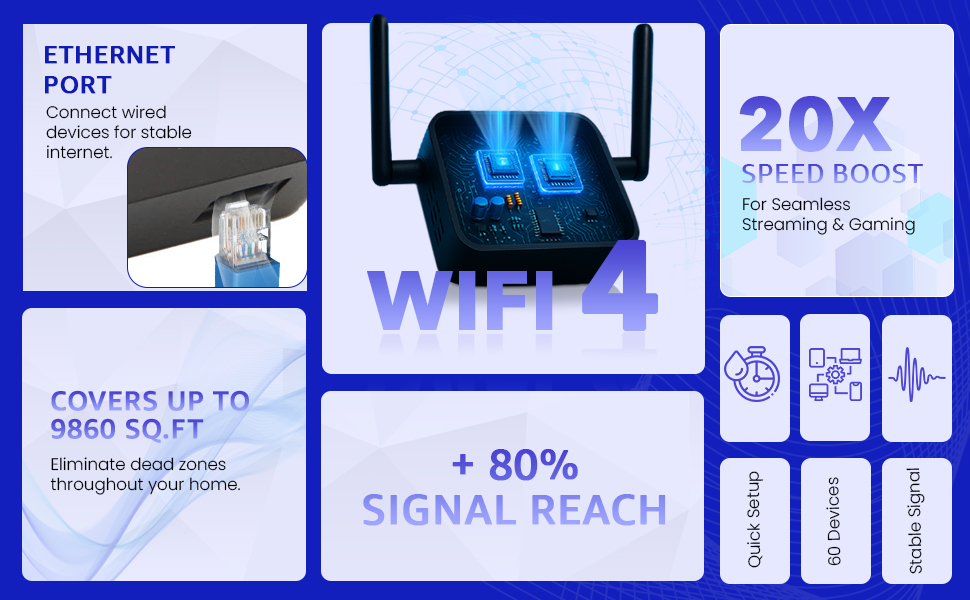
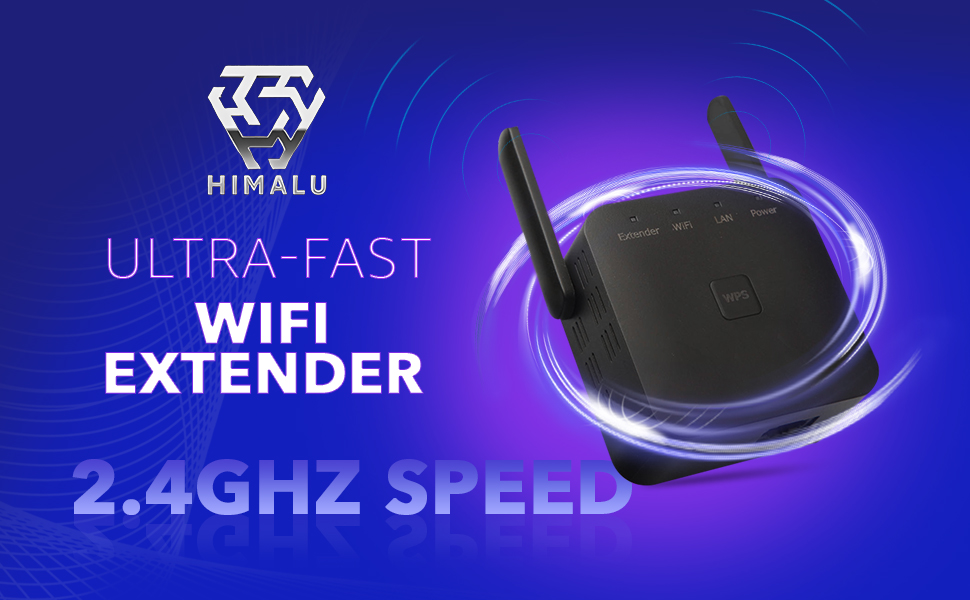
The HIMALU WiFi Extender delivers blazing 2.4 GHz speeds up to 300 Mbps, covering nearly 10,000 sq.ft and supporting 60+ devices simultaneously. Designed for easy plug-and-play setup, it eliminates dead zones and enhances connectivity for streaming, gaming, and smart home devices. Compact and compatible with all routers, it includes an Ethernet port for versatile wired connections, making it the ultimate solution for seamless, high-speed internet throughout your home.


| ASIN | B0BRQJHC5Z |
| Best Sellers Rank | #58 in Repeaters |
| Brand | HIMALU |
| Built-In Media | Reset Pin, User Manual, WIFI extender |
| Color | Black |
| Compatible Devices | Router |
| Connector Type | RJ45 |
| Customer Reviews | 4.1 out of 5 stars 7,597 Reviews |
| Data Transfer Rate | 300 Megabits Per Second |
| Frequency | 2.4 GHz |
| Frequency Band Class | Single-Band |
| Frequency Bands Supported | 2.4 GHz |
| Item Weight | 3.52 Ounces |
| Manufacturer | CUU |
| Mfr Part Number | R11 |
| Model Number | R11 |
| Range | 9860 |
| Smart Home Compatibility | Smart Home Compatible |
| Special Feature | Alexa |
| Special Features | Alexa |
| UPC | 755523494880 725305665272 |
| Unit Count | 1.0 Count |
| Warranty Description | 1 Year 2023 Newest WiFi Extender, WiFi Booster, WiFi Repeater๏ผCovers Up to 9860 Sq.ft and 60 Devices, Internet Booster - with Ethernet Port, Quick Setup, Home Wireless Signal Booster |
| Wireless Communication Standard | 802.11b, 802.11g, 802.11n |
| Wireless Compability | 802.11b, 802.11g, 802.11n |
O**L
Works very well, Easy Set Up, Great Price
We live outside of town, not many options for internet, so we have a router that has to be in the corner of the back of the house. Problem was getting signal up to the front room and front porch where we spend a lot of time. Looked through so many extenders and found this gem. Price is amazing for this powerful little device. Setup took less than 5 minutes on my boyfriendโs phone. I took notes from the comments that made the setup easier (will share below). No lagging anywhere outside or inside the house now, strong signal, device leaves outlet open for another to still be used. Had to play around with the location of the extender, but got it in a great place thatโs not too far from the router and doesnโt have to send the signal through too much to get to the front of the house. Highly recommend this extender. For setup and best function, hereโs what helped me after reading other comments and from my experience with this extender so far: This extender gives you a second WiFi network. You have your original network and this one so they will have two different names. Weโll call the original Wi-Fi just โRouterโ and the extender โExtenderโ for further explanation, so pretend those are the names of your networks when you open any device like a phone or tablet or PC and connect to a Wi-Fi network available. You have Router already, thatโs your main one, and you have a password for that usually. Before setting up this new device, you pick a name and password, so in this case, you picked Extender as your network name and for the password, I just used the same one as Router to make it easy. You will be asked for your SSID. Router is your SSID number as well, unless they want the original, which is located on the back of your actual router. Have your desired network name and password and current SSID available. (So instead of Extender, pick a name you want, and a password, have that ready) Follow the prompts on your phone or tablet or PC to set all the above up (the instructions are a bit roughly written, but easy to figure out what theyโre trying to say) When you plug in the device, find a spot not too far from your original router while accounting for anything the router has to go through to get signal out that could interfere (a cement wall, two rooms, behind a couch in the corner, etc-all not very good places). We have a fairly strong signal from our original router to the front room, so we put it in there on the wall closest to the main router. We may have to move it to the hallway, but it works very well now so we think itโs a good spot. We did have it in the room behind the front room to be closer to the router, but going through another room and a cement outer wall made using the internet a tiny bit glitchy, but it still worked. You may have to play with where it goes depending on your house setup and where you need your signal, just donโt go too far from the main router. If you unplug the extender and plug it back in, it goes right back on, but if your devices are set up to default to your original network, you may have to go back into your devices and click back onto the extender network if thatโs the one you want to use. To help with this, we kept all devices that worked fine on the original network on that network, like our game consoles and tv streaming devices, thermostat, etc, and only changed the ones we travel around the house with to the extender network, like our phones and tablets. So far those are the key things that made this extender worth every penny and more. We get to enjoy our porch now at night while we watch our shows on our tablet! Hope this helps anyone looking through the countless extenders out there!
G**E
Fantastic thank you
Works 100 percent - it took 7 mins to open the box, and set up - it is over 100 feet away from our modem-and allowing us to watch TV on wifi in our 3 season addition outside main house... perfect product!
G**.
WORTH IT! Buy it!
I have purchased much more expensive extenders in the past and this one worked better, and faster than they did. There is a comment on here I read where the person told you the steps. Which made it so I knew I was getting into. Make sure you know your WiFi password and name. I did not change the name of the extendor I just know it's "wifi XXXX" with the same password as my network. If you mess up just "Forget Network" on your phone and start over. This made the WiFi go to the basement and not be so glitchy. Purchased to allow a Roku device I got for a non Roku tv work. Where it wouldn't pick it up at all before. This showed up immediately. I don't know how well it works through multiple walls. Play around with the location. It's actually pretty far from the router but it's only going through one wall technically here. Follow the instructions and you'll be fine. Find the long comment I referred to. They really made it easier than the I instructions. I'm very pleased. For the price it's more than I expected honestly. It's super easy to install. I see a lot of comments not understanding or have lost the original set up. If you need to press the reset button and wait a few seconds for "wifi XXXX" to show up under settings>wifi look under settings >WiFi options for "wifi XXXX" not literally "XXXX" it will be specific numbers to your extender. It will take you to the website you need to be on. You'll need the name of your regular WiFi and the password before you get to this site. (If you try to swipe away you'll need to go back to WiFi connection and "Forget Network" for the "wifi XXXX" and start over. ) After what you just repeat and extend the device with your original WiFi network. Fill in the blacks it asks. I've got pictures of the instructions. They are VERY tiny. Hopefully this will help someone.
A**R
Disappointing Performance, No Improvement in WiFi Range
I purchased this WiFi extender with high hopes of improving the WiFi coverage in my home, but unfortunately, it fell short of my expectations. Despite the promising product description and positive reviews, this device did not deliver the results I was hoping for. The setup process was relatively straightforward, and I had no issues connecting the extender to my existing network. However, the problems started to surface soon after. The extender was supposed to boost my WiFi signal and extend its range, but I noticed no significant improvement in the areas of my home where the WiFi signal was weak. I tried moving the extender to different locations, hoping to find a spot where it could effectively boost the signal, but to no avail. The device consistently failed to extend the WiFi range to the desired areas, and in some cases, the signal was even weaker than before. Moreover, the device seemed to have a negative impact on my internet speed. I ran several speed tests and found that my internet speed was noticeably slower when connected to the extender compared to when I was connected directly to my router. This was a major disappointment, as the whole point of purchasing the extender was to improve my WiFi experience, not hinder it. The product's build quality and design are decent, but these factors are irrelevant if the device doesn't perform its primary function effectively. I reached out to customer service hoping they could provide a solution, but their suggestions did not resolve the issue. In conclusion, this WiFi extender did not live up to its claims. It neither improved the range of my WiFi nor the internet speed. I would not recommend this product to anyone looking to enhance their WiFi coverage. It's a classic case of a product that looks good on paper but fails to deliver in reality.
A**E
Device not found on Home Network listing!
This is a powerful little device that works great and coverage is beyond what I expected. However, here are some issues I'm concerned with 1. The instructions are written for a user familiar with performing setups for both PC and smart phone. (FYI: the smartphone setup is a lot simpler) 2. Print on the instructions a really poor and require magnification! Use a website to automate the install or download from the website. 3. Once installed the device's IP address will ping without error but can not be seen/visible in the list of device's on the network. I have 32 devices and they all show including all the other extenders/repeaters. 4. The profile of the repeater/extender does exist and so does the SSID which is visible from my neighbors back yard !! But again no where to be found on my network listing although it is attached through my router. 5. It appears as a WiFI access point (using a "netsh" command) but does not show any ownership of the device dedicated to a particular network. 6. In order to change the SSID or password the best way is to reset and reinstall. The plus side: small device easy to setup and has a range better than what I have seen advertised and only takes the space of a single wall outlet.
J**N
Wifi extender is good
It really works as wifi extender, worth the purchase.
G**N
Works!
Works as stated. No hassle to connect. Nice coverage
C**T
Great Repeater for home use
Iโm sure item would work exactly as described on a home network. However I was using it to boost signal at my place of employment which I never could get it to connect. Instructions are spot on and easy to follow. If you purchase, purchase for home use in my opinion.
Trustpilot
2 months ago
1 month ago