

Buy anything from 5,000+ international stores. One checkout price. No surprise fees. Join 2M+ shoppers on Desertcart.
Desertcart purchases this item on your behalf and handles shipping, customs, and support to Austria.
🚗 Unlock your BMW’s full potential with OHP ENET – the ultimate diagnostic sidekick!
The OHP ENET OBD2 cable set includes a high-speed USB-C to Ethernet adapter and an Ethernet cable designed primarily for BMW F-series, G-series, and newer Mini models. Compatible with popular diagnostic apps like BimmerCode and BimmerLink on Android and iOS devices, it features a premium aluminum housing for heat dissipation and portability. This tool empowers users to perform advanced diagnostics, coding, and early fault detection, saving time and repair costs.
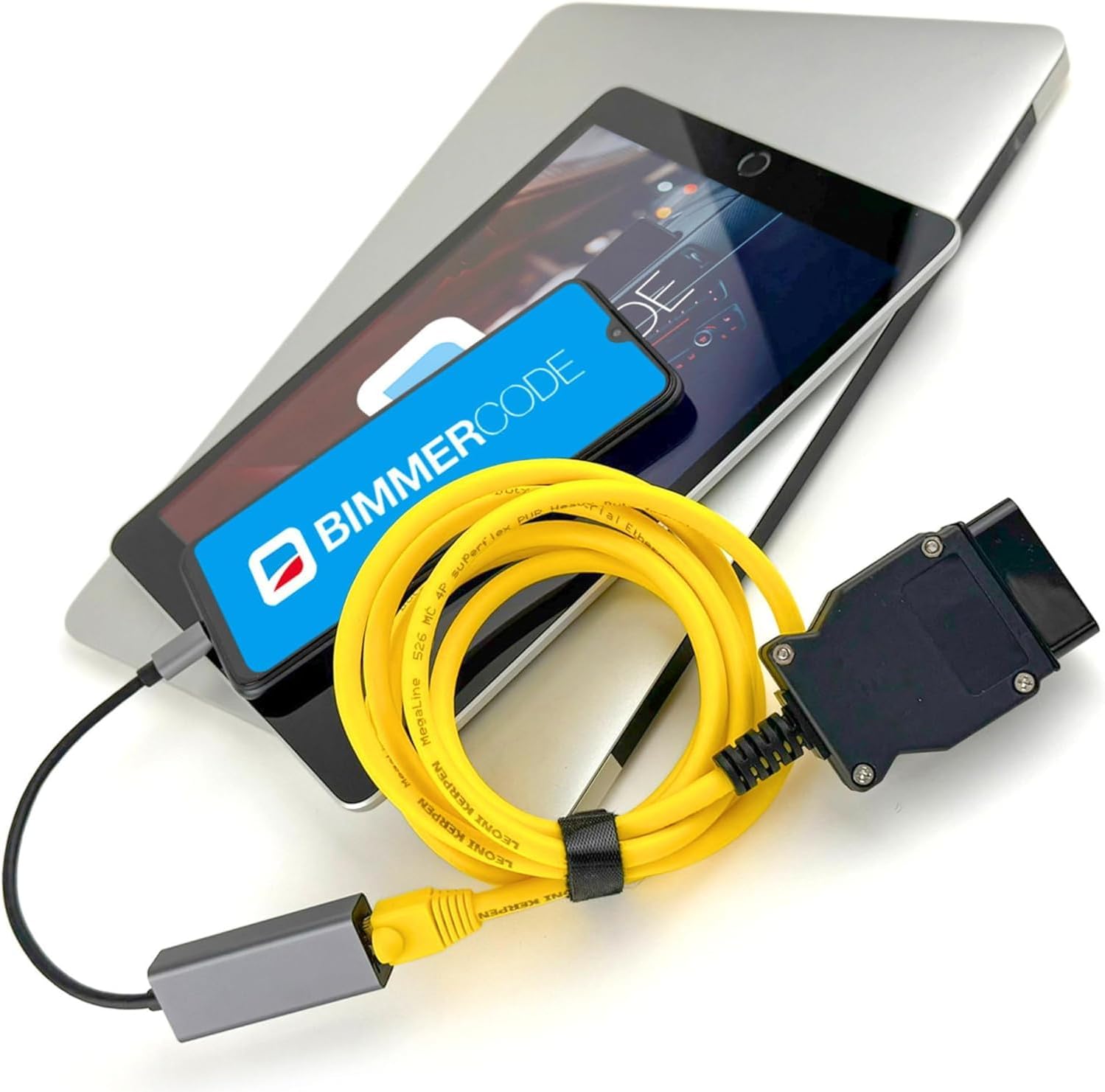

| Asin | B0CQH13YFM |
| Best Sellers Rank | #13,188 in Automotive (See Top 100 in Automotive) #81 in Code Readers & Scan Tools |
| Brand Name | OHP |
| Customer Reviews | 4.4 4.4 out of 5 stars (232) 4.4 out of 5 stars |
| Item Dimensions L X W X H | 30"L x 2"W x 1"H |
| Item Type Name | OBD2 |
| Manufacturer | OHP |
| Manufacturer Part Number | OHPEnet2023 |
| Manufacturer Warranty Description | 6 months warranty |
| Model Number | OHP-Enet-USB-C |
| Operating System | Windows |
| Power Source | Corded Electric |
User
Compatible with MHD
Works with no issues on the mkv supra
User
No Connection Issues + Works with ISTA
Great quality cord.I’ve had no issues connecting to ISTA+. Persons having issues with a laptop must not be making the necessary adjustments to their ethernet settings.
User
Set up Ethernet tethering when establishe connection
It's wasn't working in the beginning, but after some digging for android user you need to follow these steps:1. Connect the ENET cable with your Android device using an appropriate USB to Ethernet adapter.2. Connect the cable to the OBD port in the footwell on the driver side in the car.3. Enable the Airplane mode on the Android device.4. Enable “Ethernet tethering“ in the Android settings (“Settings“ > “Connections“ > “Mobile Hotspot and Tethering“ > “Ethernet tethering“).5. Open the settings in the BimmerCode app and make sure the correct adapter type is selected.6. Tap “Connect” on the start screen in the BimmerCode app.
User
Works really well.
I have yet to use it with my phone but hard wired into the pc it worked just fine. I haven't tested the adapter but what I did use worked great.
User
BIMMER CODE
Literally does not work for BMW, bought it thinking I could use it smoothly almost like an MHD to code different color lights in my vehicle and it doesn't work and then after plugging it and unplugging it the wire disconnected from the adapter almost like it was already broken
User
Worked perfectly.
I was able to code my BMW iDrive to full screen Apple Car play. Very easy for this 67 year old Granny to do. Downloaded the code, used my MacBook Pro and connected the ENET cable under the dash and BAM it’s done.
User
Excelente
llego en excelente estado, rápido y funciona bien
User
Not compatible with 20204 BMW M4 or Samsung Galaxy S26
I was not able to use this cable set to update my 2020 BMW M4 using bimmercode and and Samsung S26. I got as far as configuring the Ethernet settings but the phone required it was wanting a Netmask and a DNS address that I couldn't find/get. My plan is to try one of the bimmercode approved Bluetooth devices and see if that work better. But I've heard those devices are slower than the cable approach.
Trustpilot
2 months ago
2 months ago