Desertcart purchases this item on your behalf and handles shipping, customs, and support to Austria.
โก Share Smarter, Switch Faster, Work Better!
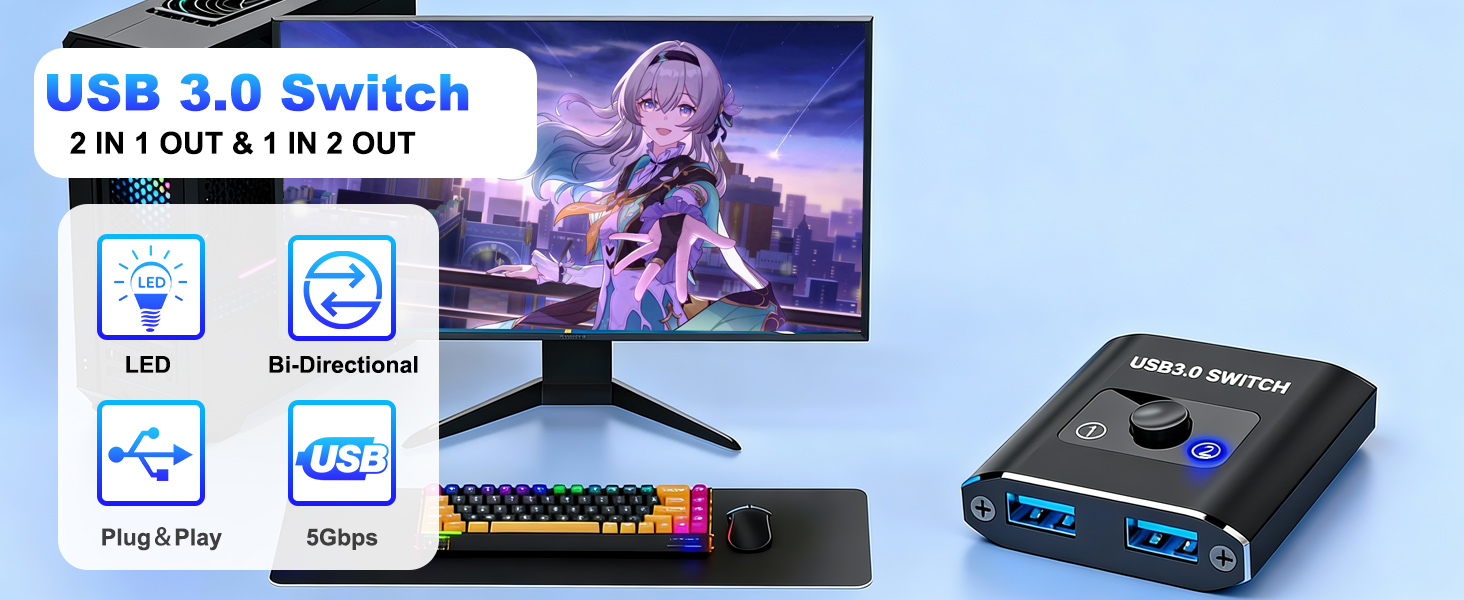
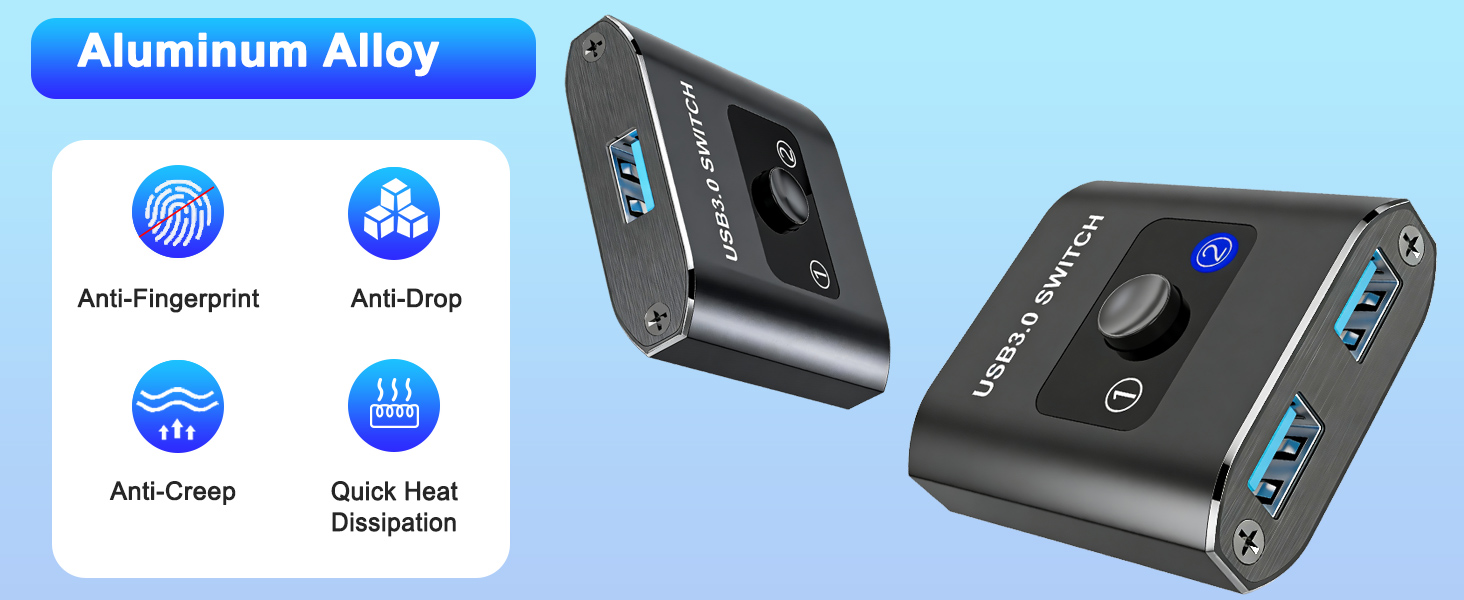
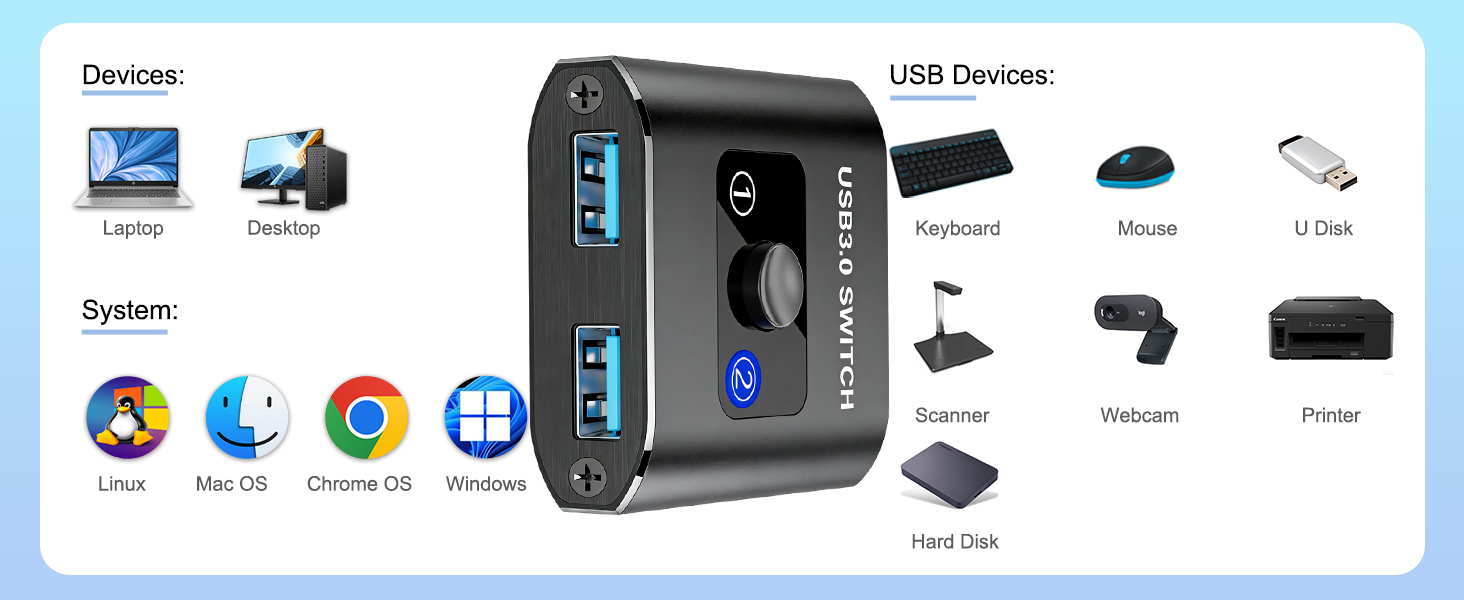
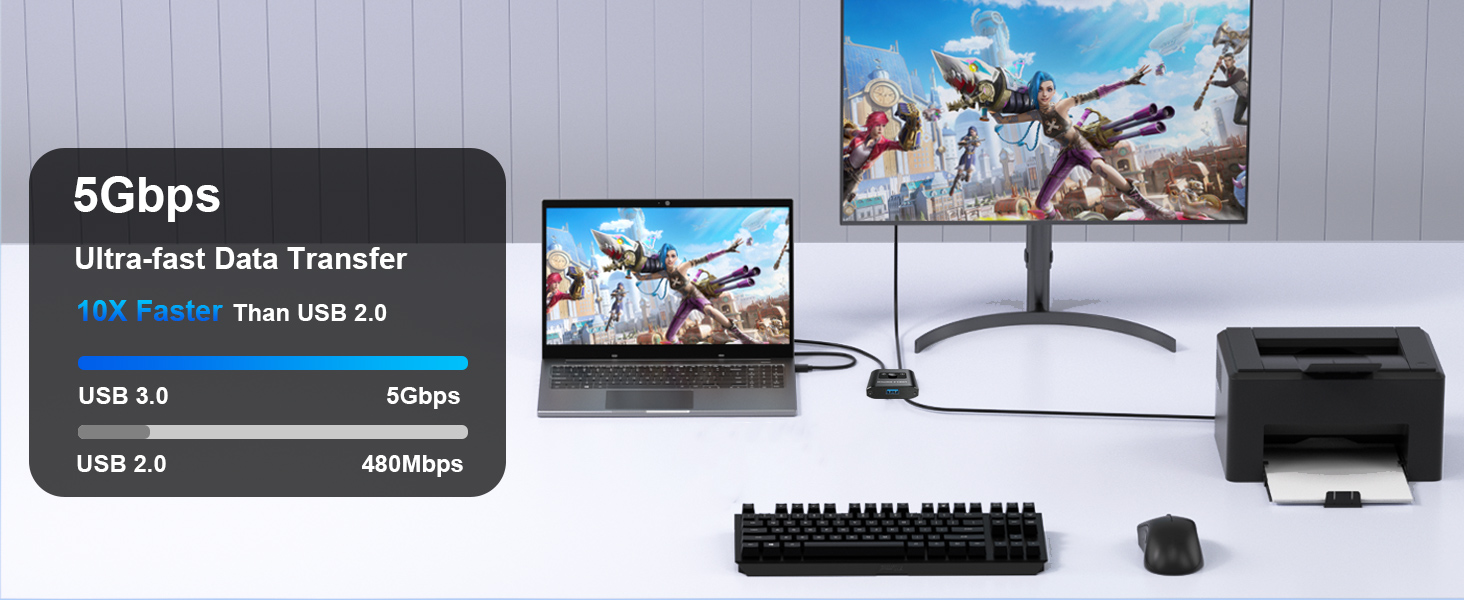
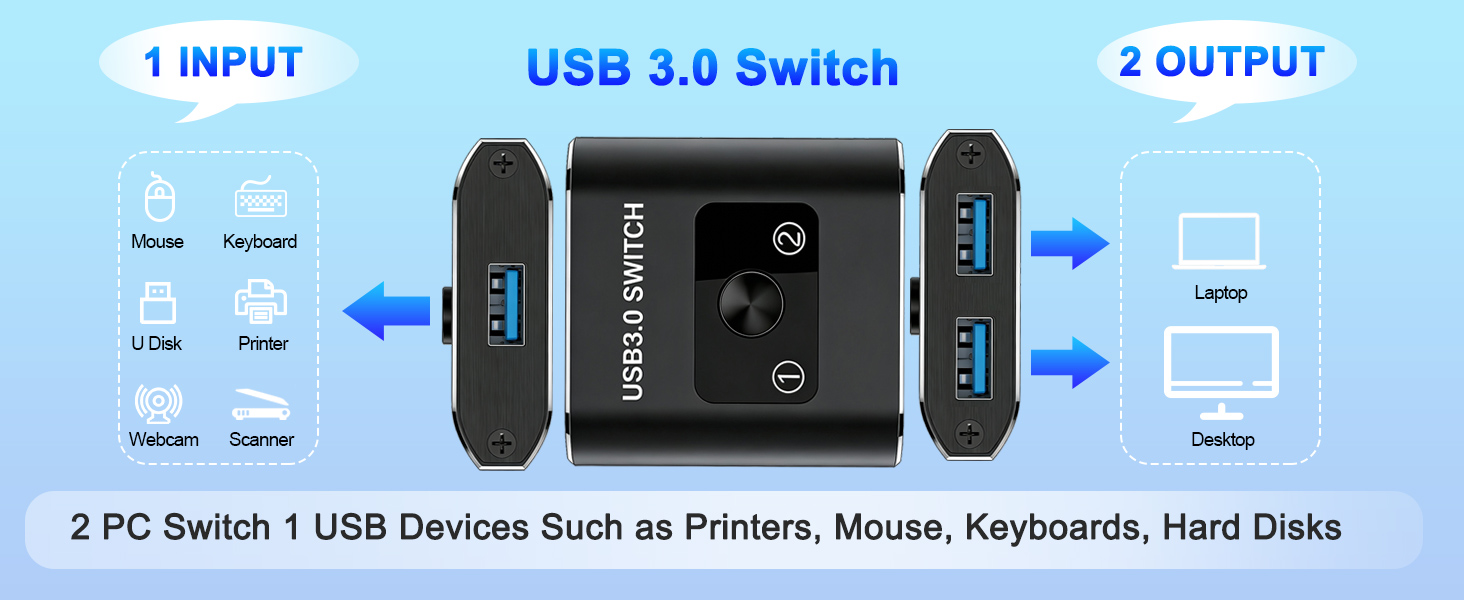
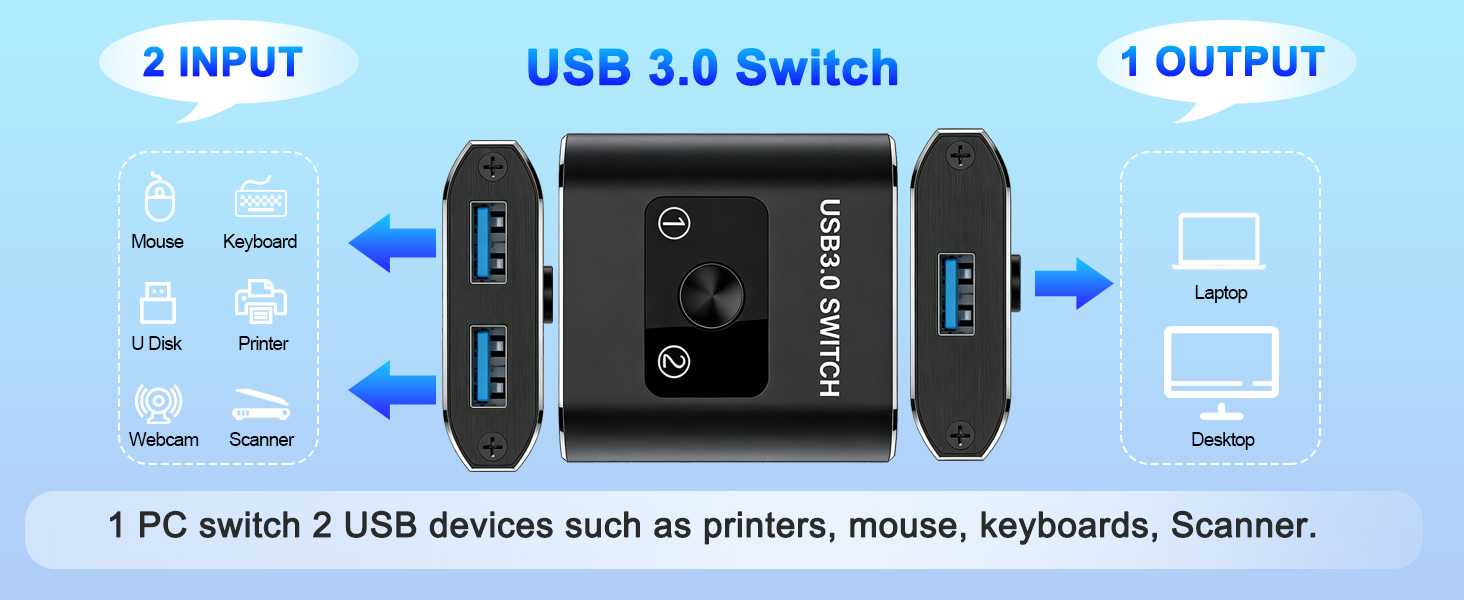
The Closs USB 3.0 Bi-Directional Switch is a compact, aluminum-encased device enabling seamless sharing of USB peripherals between two computers or switching between two USB devices on one computer. Supporting ultra-fast 5Gbps data transfer and broad OS compatibility, it offers plug-and-play simplicity without extra power or drivers. Ideal for professional environments demanding efficient device management and durability.


| ASIN | B0D5XGR498 |
| Best Sellers Rank | #26 in KVM Switches |
| Brand | Closs |
| Brand Name | Closs |
| Circuit Type | 2-way |
| Color | USB Switch |
| Compatible Devices | Laptop, Personal Computer |
| Connectivity Protocol | USB |
| Connector Type | Usb |
| Contact Material | Copper |
| Contact Type | Normally Open |
| Control Method | Push Button |
| Control Type | switching |
| Controller Type | Push Button |
| Current Rating | 1 A |
| Customer Reviews | 4.2 out of 5 stars 440 Reviews |
| International Protection Rating | IP54 |
| Item Dimensions | 0.59 x 1.97 x 2.17 inches |
| Lower Temperature Rating | 32 ยฐF |
| Manufacturer | Closs |
| Material Type | Aluminum |
| Model | US-201A |
| Mounting Type | Surface Mount |
| Number of Items | 1 |
| Number of Positions | 3 |
| Operating Voltage | 5 volts |
| Operation Mode | ON-ON |
| Part Number | US202 |
| Specification Met | Ip54 |
| Switch Type | Usb Switch |
| Terminal | Through Hole |
| Unit Count | 1 Count |
| Upper Temperature Rating | 122 ยฐF |
| Warranty Description | 12 Month Manufacturer |
R**Y
This was just what I've been Needing!
This tiny bidirectional USB 3.0 manual Switch box is what i've needed all along! I wasted a lot of time with the Amazon AI helping me and it was wrong info until I challenged it's responses. It said this device could not switch BOTH of my wireless Carplay adapters but It DOES and it works Great for that. First I purchased a wireless Carplay adapter with a switch to change between devices. That had to be returned as it only worked partially and then would totally disconnect while driving. This box lets me leave both wireless Carplay adapters attached and you can select which one to use. NOTE you'll need a good quality USB 3.0 Male to Male short Data cable to connect this to the Vehicle USB Type A data port. My Vehicle is a 2025 Kia Sportage EX Hybrid. My Phones are Iphone 16 Pro and Iphone 14. Both connect and switch through this setup with no trouble. I have one Wireless Carplay Adapter that uses my Amazon Firestick on HDMI Input to watch Live tv or movies or anything I want and another Cheap adapter for the Iphone 14. Now here's the good part! ALL of this and more hardware fits inside that small wireless charging compartment on the Sportage and Everything Shown was bought right here on Amazon! I'll attempt to attach a few pictures and maybe a short Video of my 12.3 Display on the Kia. There were not enough reviews on multi user Wireless Carplay adapters that actually worked but this right here does work! So Easy to setup and use also. I just hope it Continues working as it is now!
S**G
Worked. It hepled to share Software (PowerChute) with 2 devices (APC UPS).
I've bought this Bi-Directional USB Switch 1 in 2, also had to buy the male to male USB cable to connect switch to computer to share 2 APC UPS batteries with Power Chute program that shows status of battery charge in case of power outage. The program can only connect and show 1 Uninterrupted Power Supply at the time, so switch helped with that. But as I mentioned I needed male to male USB-A cable. I tried to use USB-A to USB-C with USB-C to USB-A adapter. It didn't work. It needs USB-A to USB-A cable. Then it worked without a problem.
W**0
Love It! Exactly what I wanted.
At work I have a laptop and a Raspberry PI 3. I had separate keyboards for both. I installed this device and now all I have to do is press the button to switch which PC I am typing and using a mouse on. I plugged my Logitech unifying receiver into the input and ran the cables to each PC. I highly recommend getting the two USB cables. Pressing the button instantly toggles which PC I can operate. The only downside is it is hard to get used to having to press the button. I wind up typing on the wrong PC.
A**R
Bad
Makes pc rapidly make the hardware disconnect / connect sound, items the go through the splitter behave poorly
K**W
Great USB switch as long as you're not trying to connect it to a hub
I've got a built-in 4-port USB hub on my monitor that has my keyboard, mouse, and USB soundbar connected to it. I wanted an easy way to switch this whole setup between my work and personal computers. There are dozens of USB switches out there that do the job. This one has a great price and comes with cables. It's a great form factor, the button has a solid feel to it, and the metallic case makes it feel very well-built. Sadly, though, when I connected the cable going to my monitor's 4-port USB hub to it, my computer couldn't see the peripherals. Windows registered that a USB device had been connected when I pressed the button, but it never registered that the keyboard, mouse or soundbar were connected. I'll be returning this one and trying one of the more expensive UGreen options. But if you just have a single device that you want to switch between computers or even two devices that you want to toggle between for a single computer, this one's very nice. I wish I could have rated it higher, but since the listing doesn't say it doesn't work with USB hubs, I'm giving it a lower rating... for the listing, not for the product.
J**L
USB switch works perfectly even after a year, no issues with it. Feels well made, good buttons!
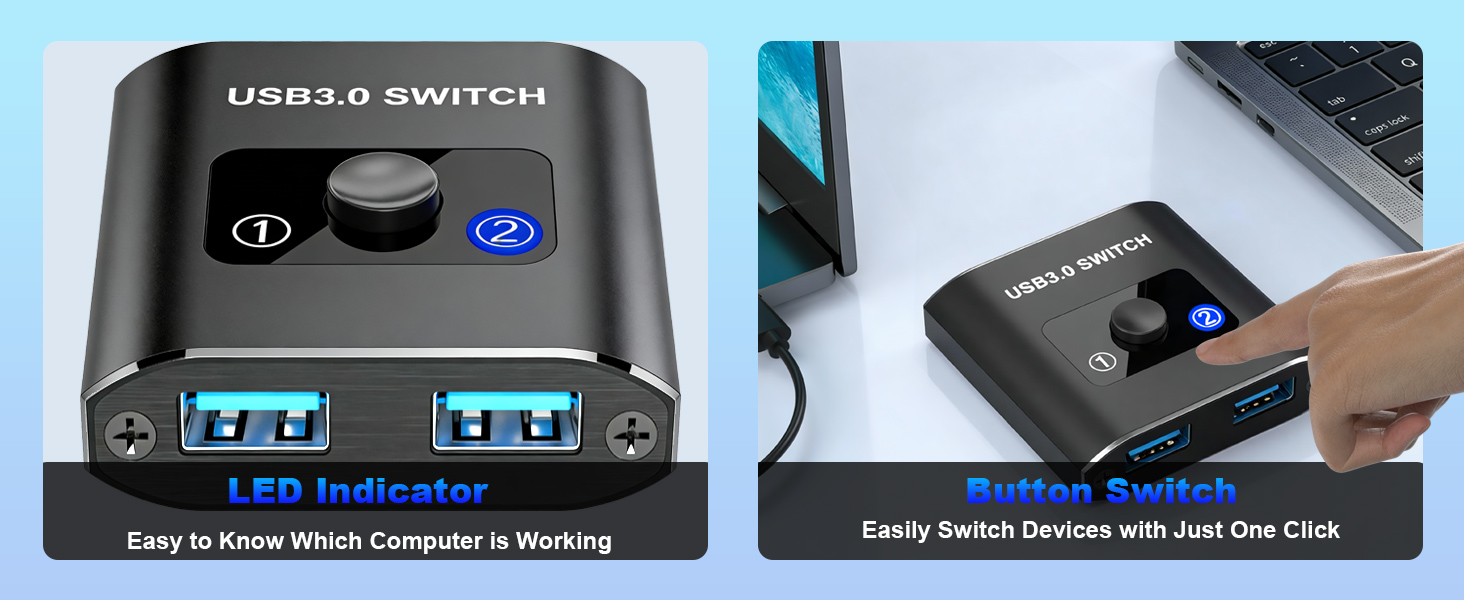
I've been using this for about a year now? It just works perfectly. No issues, ever. It never fails to switch, and I have many devices connected to it -- no issues with them. I have mine routed with a USB hub connecting to two different computers. This allows me to switch my keyboard, mouse, webcam, and audio interface between my work computer during the day and my home PC at night. It works perfectly, and it has an illuminated LED to let you know which output is active. The product feels well made, like it will last. I actually use the switcher 2-4 times a day.
B**N
Works great.
I have 2 laptops for work and this is a life saver letting me switch keyboard and mouse between them.
K**.
Does not work on MacOS
Works fine with Linux and Windows, but does not work on MacOS.
S**D
Promising product.
Ultimate product
K**Y
Priced right, quality is great ๐
Works great ๐
B**B
Great for switching between keyboards.
We use this to switch between keyboards (my child cannot be trusted to not spill food and drink onto a good keyboard), and it works perfectly for that use.
D**R
Nice product
It is a nice product when using one side with usb and one side with wireless android auto just one switch then it is changed from usb to wirlees android auto.
J**N
Worked as intended
Useful for those who WFH and have a personal computer already. Easy to setup and switch back and forth. No issues at all, only noticed it did not receive power when connected to a docking station but it did via desktop
Trustpilot
3 days ago
1 month ago